1Screen time controls
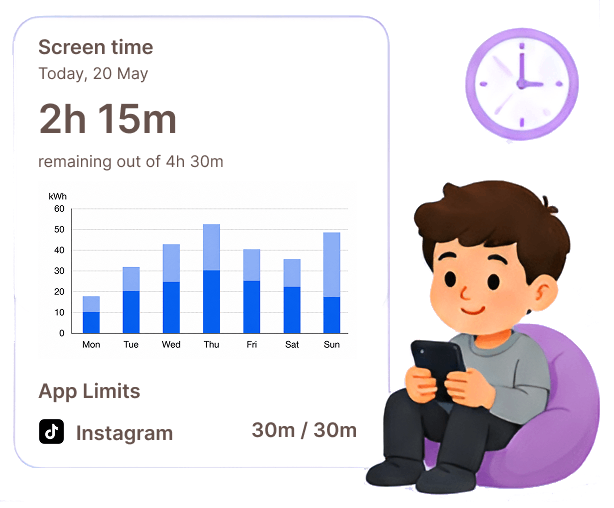
Set daily limits, downtime schedules, and per-app limits. Approve or deny extra time requests from your child.

Software & Applications
Parent App
Parental Control - Cuccung helps parents guide kids’ phone use with clear limits, safer content, and real-time peace of mind. Pair the child phone with the free Child app - Cuccung (install on the child’s device, then scan the QR code). One parent account can manage multiple children.
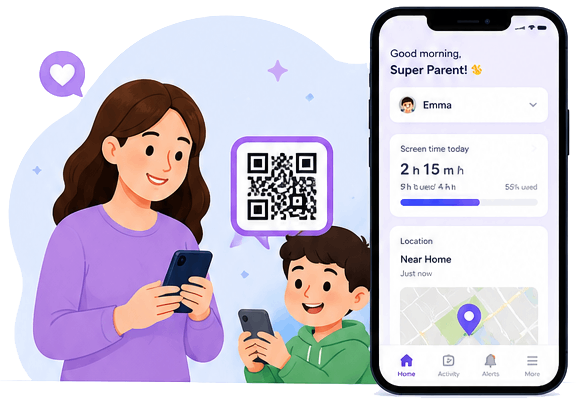
If you haven't downloaded it yet, install it using the appropriate link for your device:
Subscribe
Open the app and tap the Subscribe button.
Enter Your Phone Number
Input your mobile number as prompted.
Complete Payment
Follow the payment steps to activate your subscription.
Enjoy the Service
Once payment is confirmed, you're all set to start using the service!
Set daily limits, downtime schedules, and per-app limits. Approve or deny extra time requests from your child.
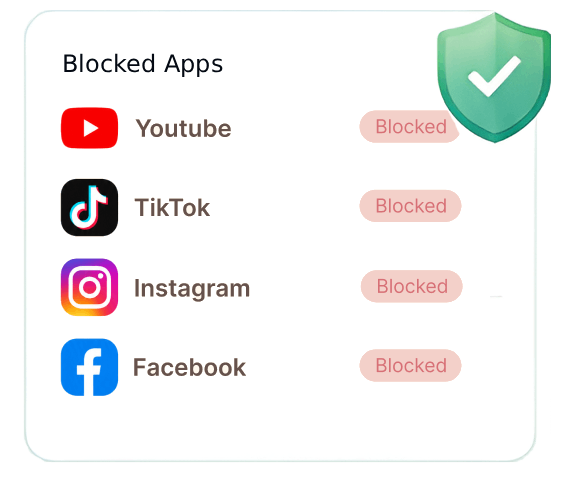
Block apps, apply age-based filters, and keep Safe Search on for Google, Bing, and YouTube.
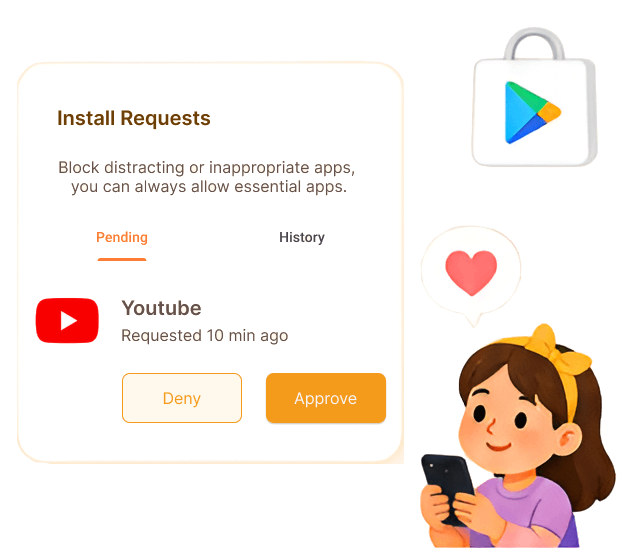
Review install requests before new apps go on the child’s phone.
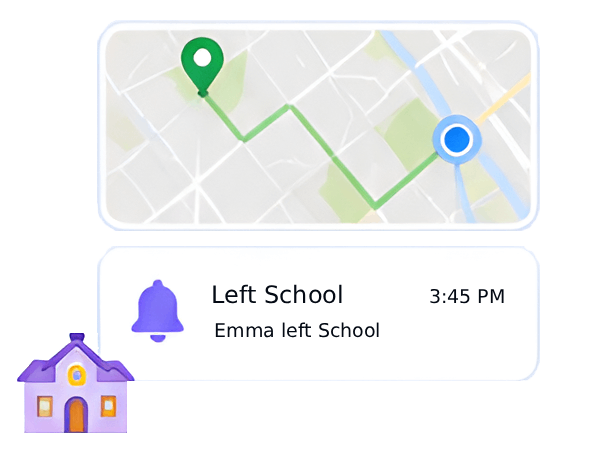
See live location and history, and get alerts when your child enters or leaves places you set.
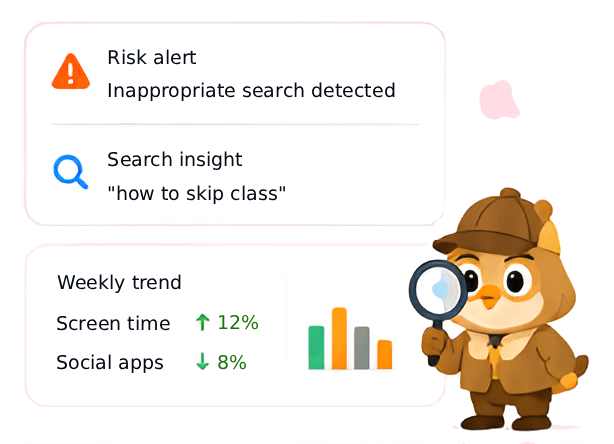
Get risk alerts, search insights, and weekly behavior trends so you can talk about concerns early.
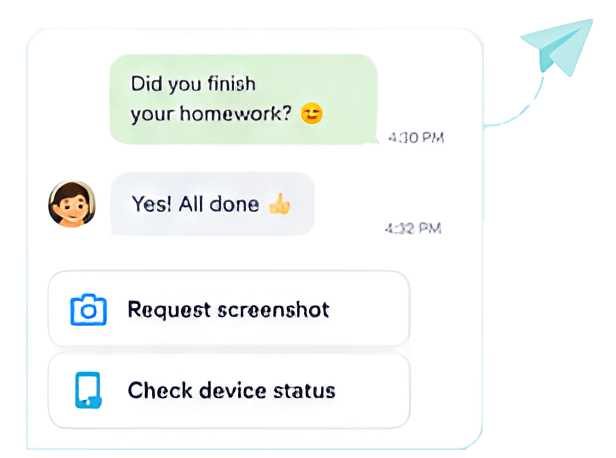
Message your child in-app. Request a screenshot or check device status when you need extra context.
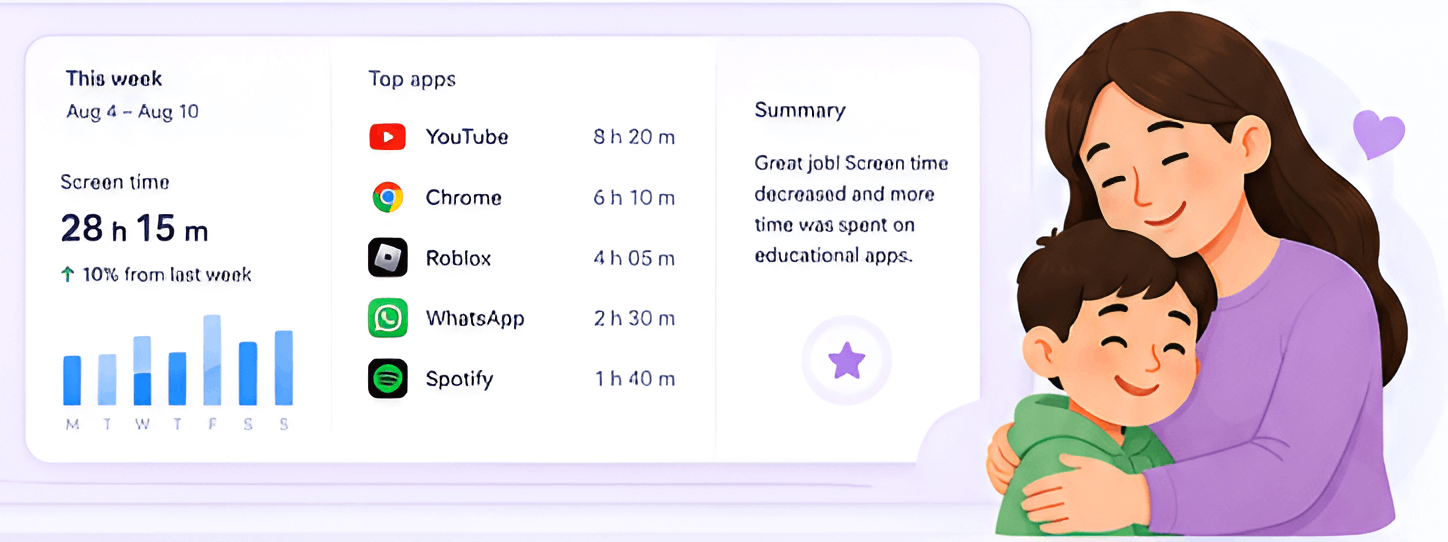
View usage trends, top apps, and helpful weekly summaries.
Cuccung | Because every child deserves a safe digital world
Tell us about your product goal—we'll help scope, design, and ship it.
Contact Us